Overview
- For Apple Home buyers who specifically want Matter over Thread and Apple Home Key: this page reports what the sources record and what you still have to check against your own setup.
- The answer depends on your setup: Apple's Matter and Thread setup needs a home hub with Thread built in, or a supported Thread-capable iPhone path, plus the right firmware, region and door hardware.
- Matter over Thread, Apple Home support and Apple Home Key are three related buying signals, not one question.
The short answer
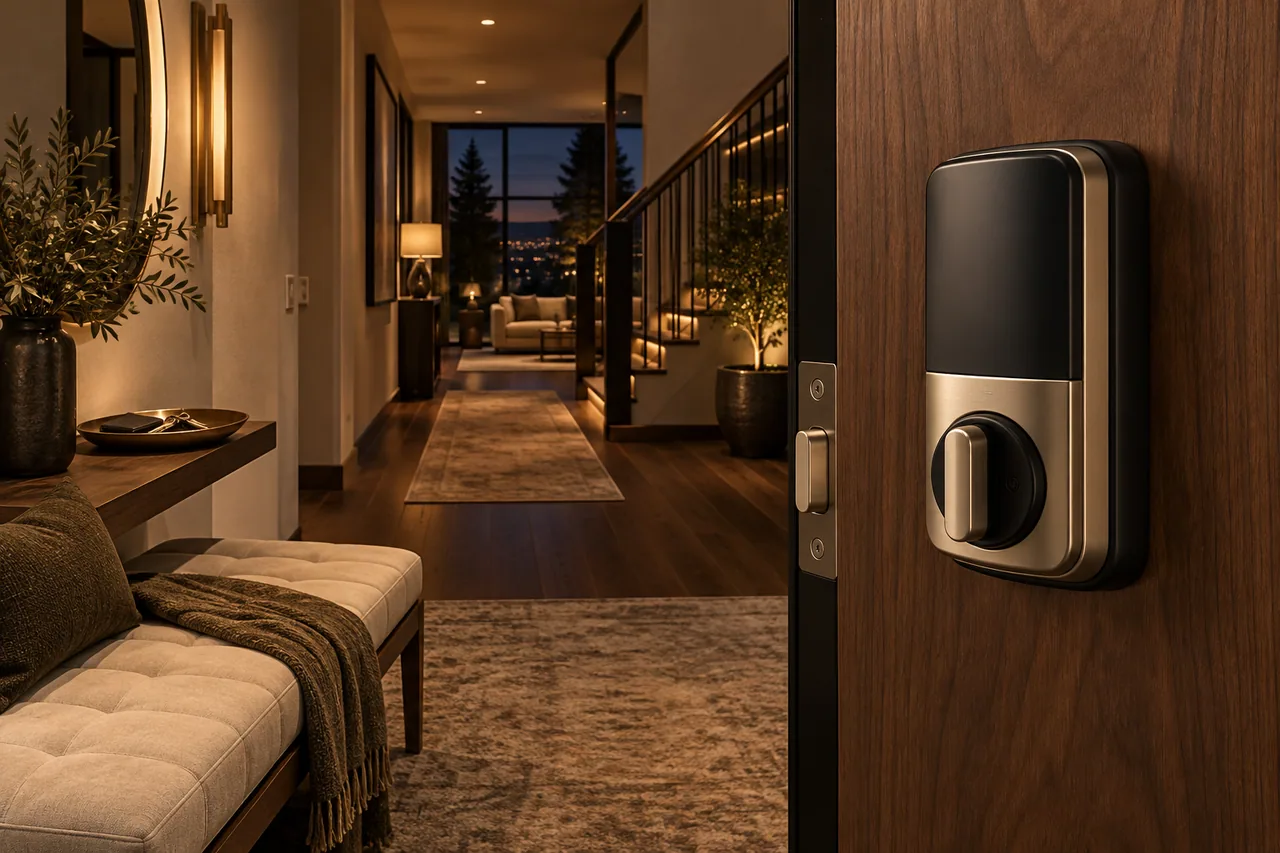
The maker's product page and manual describe a lock that uses Matter over Thread and sets up in Apple Home with Home Key; the standards-body listing records its certification over Thread and Bluetooth. Those documents describe the product, not your home. Check your exact model, firmware, region, door hardware and Apple setup against them before ordering. The matching product profile has not cleared review yet.
Original evidence
Short answer
Aqara's product page and manual identify the U200 as a Matter-over-Thread smart lock and describe Apple Home or Home Key setup. The CSA listing separately identifies Smart Lock U200 as a Matter-certified product with Thread and Bluetooth transport. Those documents describe the product. Whether it does what you need still depends on the exact SKU, firmware, region, lock hardware, and Apple Thread/Matter setup matching the public requirements, and this product's own profile has not cleared review yet.
The documents do not support a simple yes. They establish what the lock is and what Apple's Matter and Thread setup requires; they do not establish that it will work in a particular home. What remains for the buyer to check before purchase is the Thread and home hub path that home already has, and which features are exposed in Apple Home, because setup and feature exposure can vary.
Matter over Thread is the path, not the feature list
Matter over Thread tells you which language and network the lock uses. It does not tell you which of the maker's app features show up in Apple Home, so check everyday controls, shared access and remote use as separate questions.
Original evidence
Matter over Thread is the setup path, not the whole feature promise
Matter over Thread tells you the lock uses Matter at the application layer and Thread as the low-power network path. That is useful, but it does not guarantee that every vendor-app feature appears in Apple Home.
For a smart lock, the questions that decide whether it suits a home are day-to-day controls, Home Key, household access, remote behavior, and reliability. Check each separately instead of letting one compatibility label stand in for all of them.
Home Key is its own check
The manual describes adding a home key in the Wallet app after Apple Home setup, with its own iPhone and Apple Watch software requirements. If Home Key is why you are buying, check the current manual against the devices you own.
Original evidence
Home Key is a separate check
The Aqara manual describes adding a home key in the Wallet app after Apple Home setup, and it lists iPhone and Apple Watch software requirements. That makes Home Key part of the buying decision, but still not a reason to ignore the Matter/Thread requirements.
If Home Key is the reason for buying the lock, check the current manual, iOS/watchOS requirements, and your Apple Home setup before purchase.
The hub path is part of the answer
Apple's support pages describe what a Thread accessory needs, and which Apple devices or border routers count. Check whether your home already has one before assuming how the lock will behave.
Original evidence
The hub question matters
Apple's Matter and Thread support pages describe Thread-based accessory requirements and list Thread-enabled Apple devices or compatible border-router paths. For the U200, that means the practical question is not just whether the lock supports Thread, but whether the home has the right Apple or compatible Thread path available.
A buyer without a Thread-capable setup should resolve that first. A missing Thread path is a fact about the home, not a change to what the lock's own documents establish, but the home network path is part of the compatibility answer either way.
What this page does not claim
Not a hands-on review, a reliability test, a buying recommendation, or a promise that every feature in the maker's app appears in Apple Home. It is research from public manufacturer, standards-body and Apple support pages, checked on 9 June 2026.
Original evidence
What this page does not claim
This page is not a hands-on review, a reliability test, a purchase recommendation, or a guarantee that every Aqara app feature appears in Apple Home. It is a source-backed compatibility guide based on public manufacturer, standards-body, and Apple support materials checked on 2026-06-09.